I have a project specifically to assign tasks to consultants on retainer. They have a specified number of hours they can bill for us monthly.
I have a time tracking field set up to keep track of the hours they bill to us. I need set up a dashboard to show me what they have billed so far within a calendar month. Not “the last 30 days,” since the first of the month until now. Is this possible?
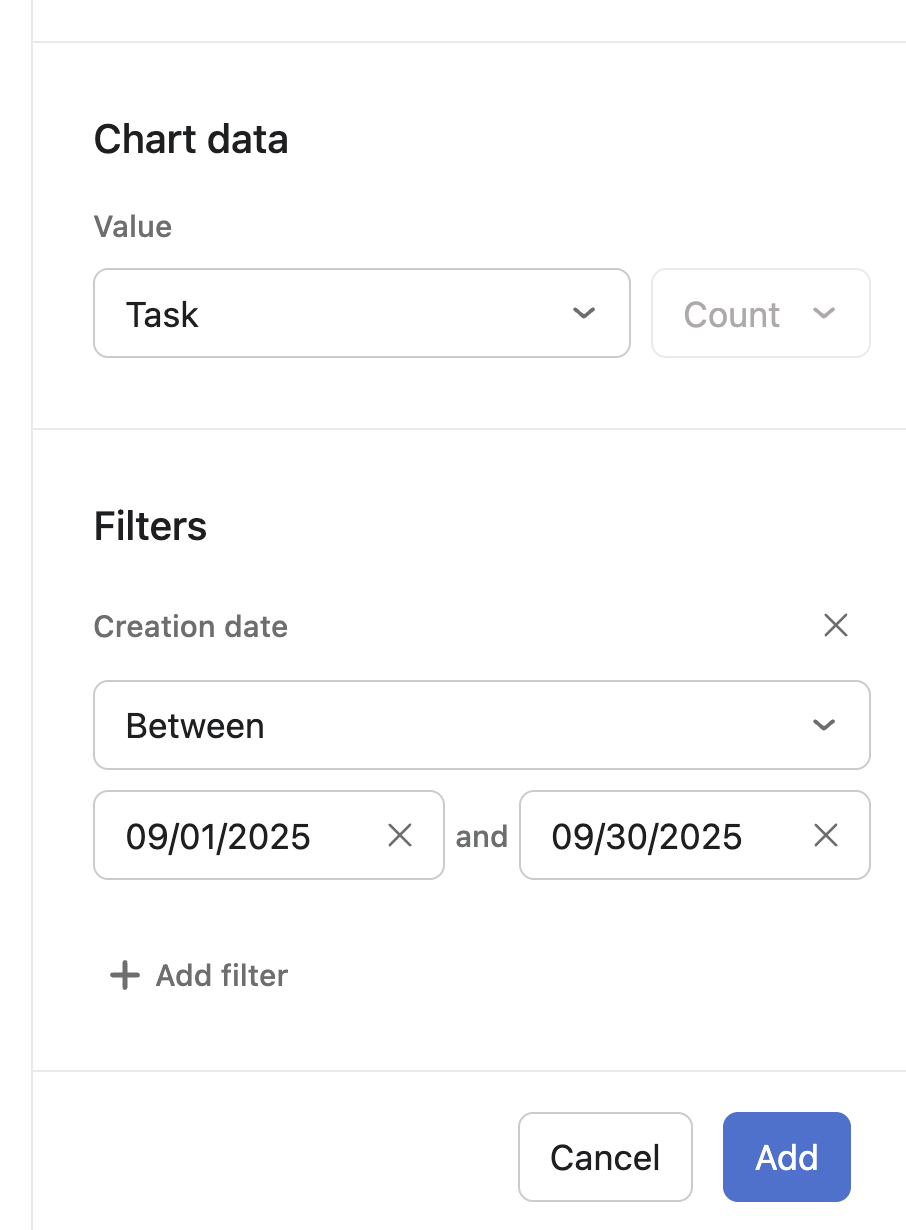
I already have the charts set up to filter for each consultant to display the sum of each of their "Time Tracking” fields, but the filter to show sum of time by a tasks’s by Create Date only lets me select “within the last” “1” “month.” This means we have to identify how many days have actually occurred in the current month and subtract time from days in the previous month.
I need to be able to count sum of the time tracking field since the first day of the month.
You’ll have to manually update the start/end date each month. (It might be possible, depending, to have a single chart for all consultants and thus only one set of dates to update monthly.)
I did set this up, but after a few weeks I identified another problem. Asana puts all time for a task into the month of the create date, but what I need is for time tracked to be reflected in the month in which it was tracked. As in, a task created on 9/25 that took 4 hours in September and 2 in October I would need those hours reflected as 4 in Sept. and 2 in Oct..
Is there any way to track hours by month using the timer field? Or do I just need to forego dashboarding and use a text field for the users to enter their own time per month??
Hi @Katherine_Varela if an add-on is an option, you can use the Analytics & Reports add-on by Screenful to report hours logged to the Actual time field. The reports created with Screenful will reflect the time tracked in the month/week/day in which it was tracked. The reports can be automatically scheduled via email or Slack.