Asana does not login/load with Big Sur (Mac OS 11.0.1)

Asana does not load in Chrome, Safari, or Firefox on my Mac. Initially, it worked last week when I installed Big Sur and now it spins and does not go to the Asana app site.

When I try to login from any Mac browser — same unresponsive timeout happens.

We use this for work and now I cannot see any of my projects or tasks on my work computer. Please make this a high priority.

Browser version:
• Chrome: Version 87.0.4280.88 (Official Build) (x86_64)
• Safari: Version 14.0.1 (16610.2.11.51.8)
• Firefox: 79.0 (64-bit)

Hi @Heidi_Allums,

Can you run this test and share a screenshot of the results?

Hi Marie.

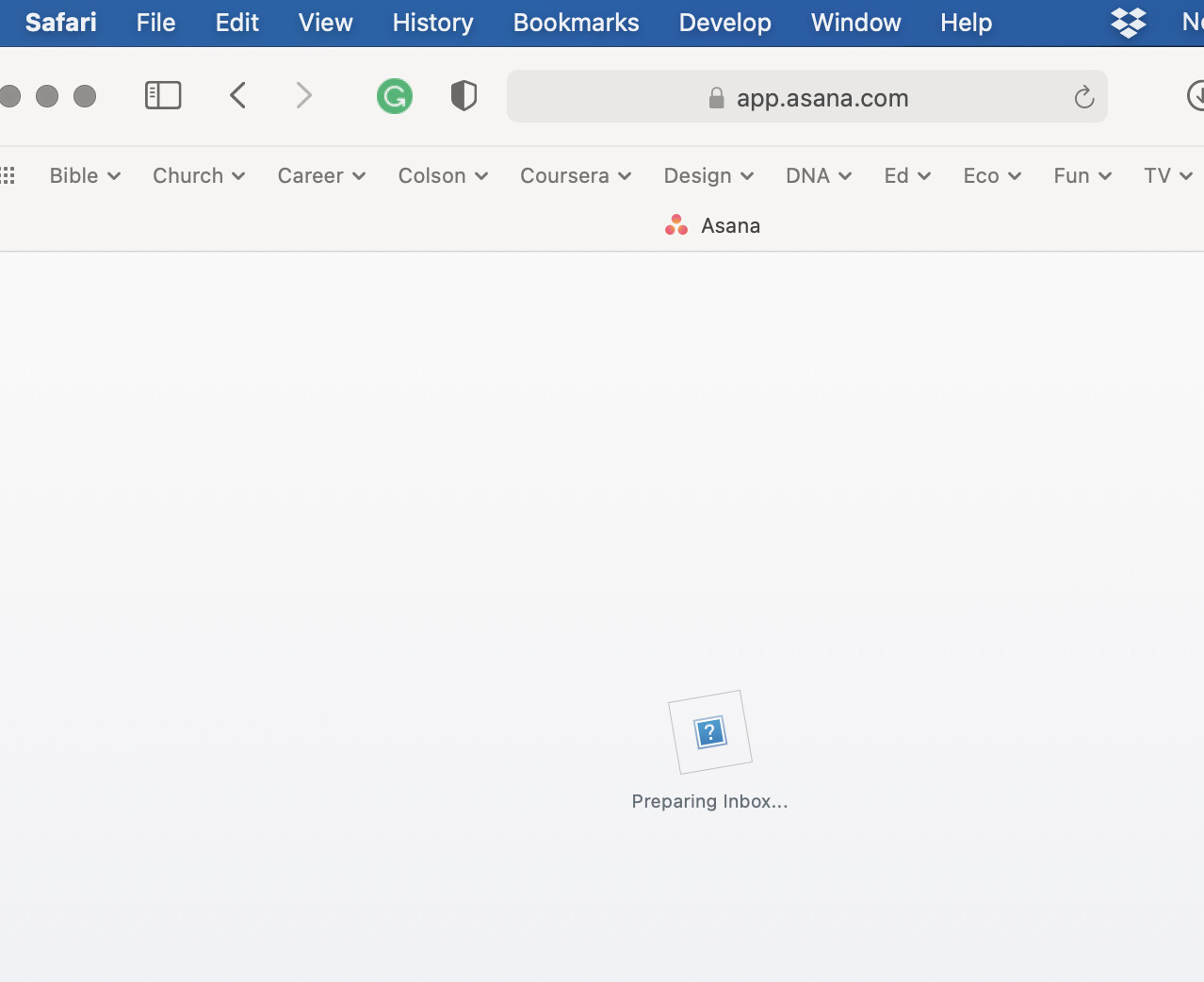
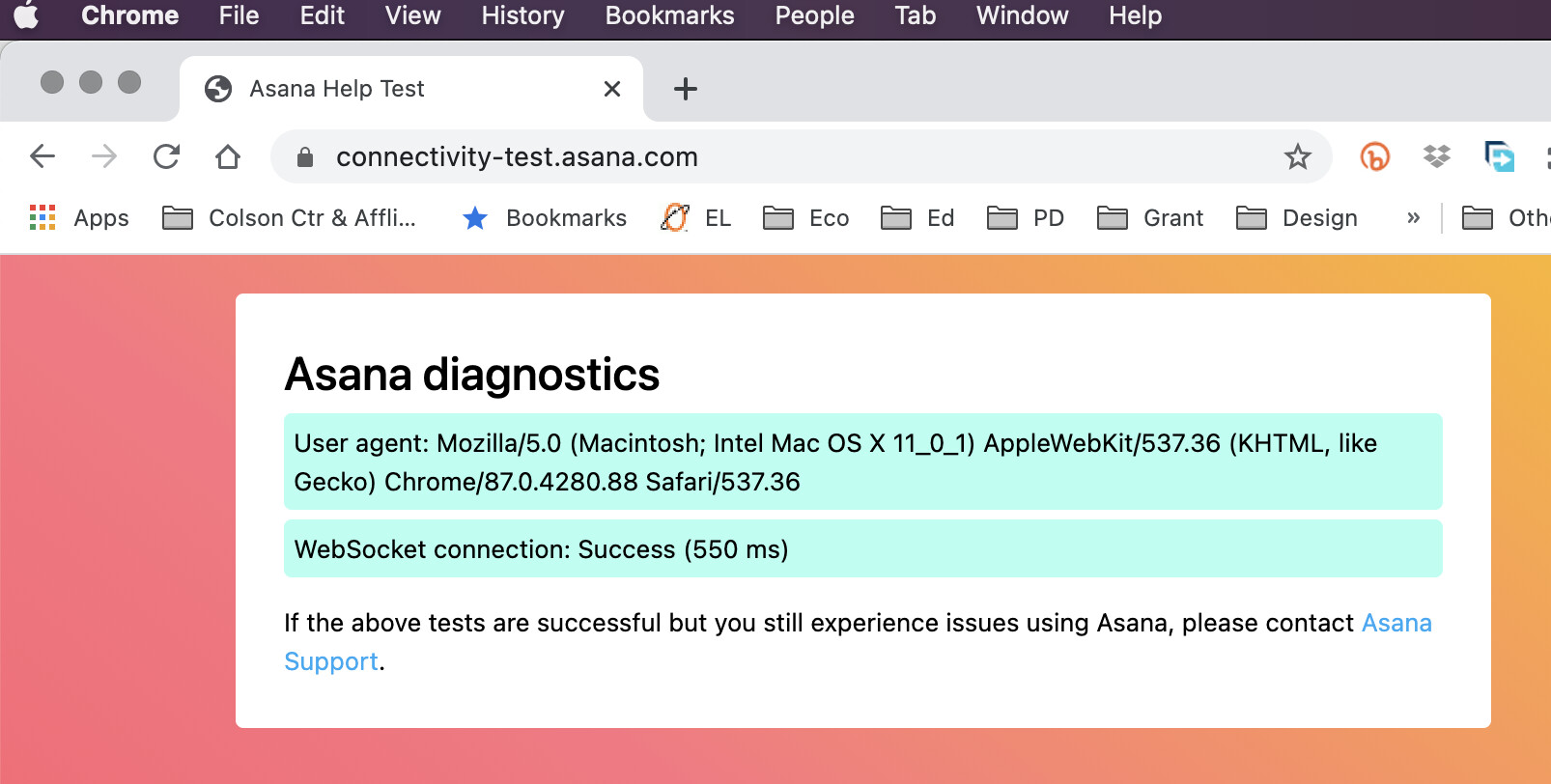
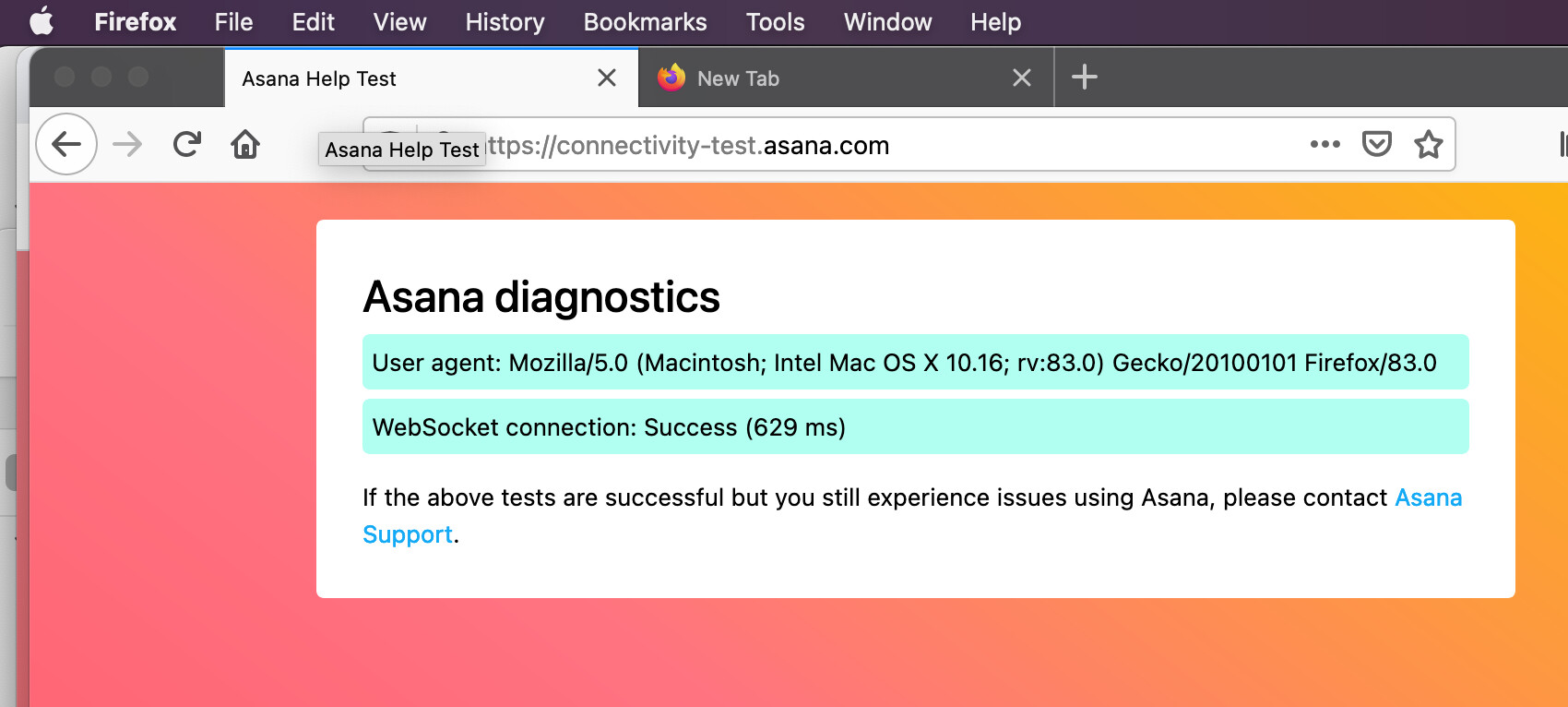
Thanks for your reply. I thought it might be helpful for you to have screenshots from all three browsers I use. I’ve tried to load Asana on all three, but they all timed out.

• Safari: ![Screen Shot 2020-12-03 at 3.26.29 PM|690x366](upload://z99WzWXXn80XM
• Chrome:

jeNvOB6F4NHF50.jpeg)
• Firefox:

Sorry, looks like the Safari screenshot URL didn’t work. Here’s that screenshot.

Thank you @Heidi_Allums, appreciate it!

Another person reprorted a similar issue just a few days ago → Web version won't load on Big Sur - #4 by yvonne2 It appears this user was using a custom DNS, which caused for Asana not to load on Big Sur. Could you have a look into that?

Hi Marie.

I saw that thread as well. So I reached out to my IT support at work and confirmed that I am not using a custom DNS. So that can be ruled out.

For what it’s worth, I have no difficulty using either the iPad app or going through my browser on my iPad. And we are using the same wifi.

Mystery.

Heidi

Thanks @Heidi_Allums,

Looks like our support team will need to take over to investigate this further. As a next step we’ll need to ask you for more info that can’t be shared here in the forum. Could you please record a screencast illustrating the issue and forward it to our support team? In your video screencast, we recommend that you use a Chrome Incognito window and have your Javascript console open:

Make sure to share the URL of this thread too so you don’t have to re-explain everything from scratch!

I hope we can resolve this as soon as possible! So sorry for not being able to sort it out directly via the Forum!