I would like to suggest updating the sidebar # to show the number of exact tasks left to be completed. Example, i have 7 tasks, but only 1 left to do, the task # still shows 7. It would just be helpful to show exactly how many tasks are left, vs. the total number of tasks.
Hi @Lisa_Lombardi , welcome to the forum 
I’m not clear where in the sidebar you would like to see the number of tasks. Because others may also wonder the same, could you provide a screenshot indicating where in the sidebar you mean to add this feature?

Hi @Lisa_Lombardi , this is possible if you apply the ‘Incomplete tasks’ filter to your board. The number of subtasks left will show only the number of incomplete subtasks within the parent task (card on the board). Additionally, the column of the board will also reflect the actual incomplete tasks left to do within that column, too. 

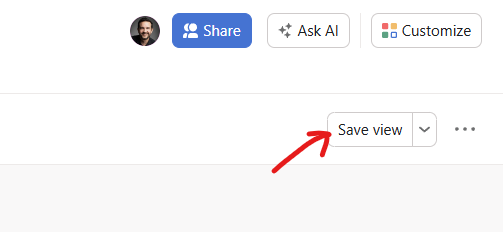
To save that filter (or any other settings, such as sort, group by or hide), so it persists each time you visit your project’s Board view, make sure to click on the ‘Save view’ button in the top right area.
This is great, using it now!
But it’s only working in Board view, not in the List view. Why is that?