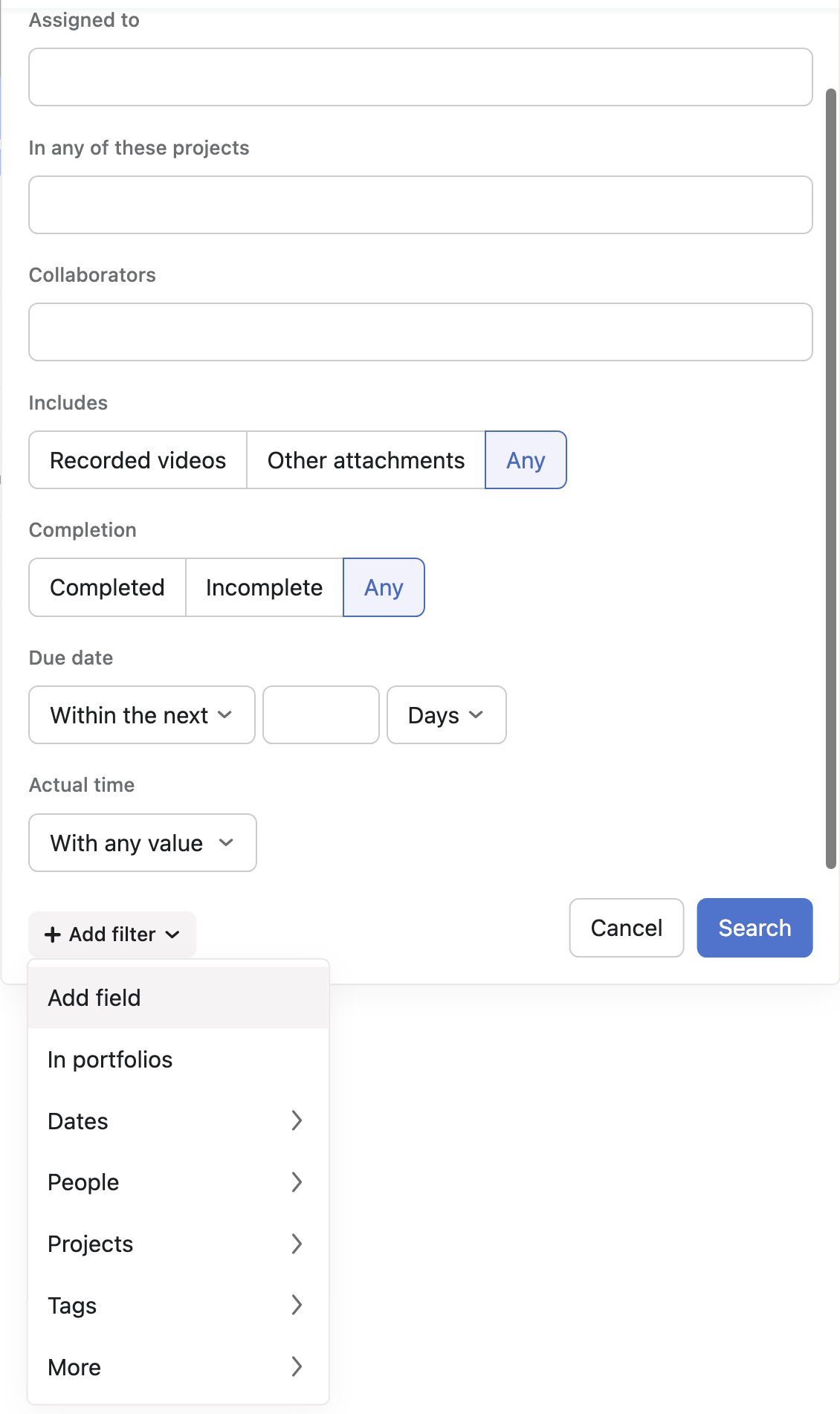
I’d like to request a simple Timesheets Report in Asana. Specifically, a report that shows time logged per user (the person who tracked the time, not the task assignee) within a specified date range . It would be great to also have filters for project and portfolio to narrow down the results.
This basic timesheet view would make it much easier to track billable hours, manage payroll, and analyze project timelines.
@Richard_Sather I agree that Everhour is a good workaround. What I can see is that all the info is already in Asana for this to work. Everhour will take the time estimate into account, but then you need to do the time tracking in Everhour and not in the Asana time tracking feature. If there were a two-way sync, it could help.
Indeed, I’m not sure why the everhour.com team have not managed to sync Asana’s native Actual time field with their data, but instead, only the Estimated time field, as you noted.
We often receive requests for time synchronization, but unfortunately, this functionality is not available at the moment. It’s a complex task with several challenges, including certain limitations on Asana’s API side. However, it’s an idea we keep in mind for the future and revisit periodically. We hope to surprise you with good news at some point!
In the meantime, I’d like to highlight that you can still use our controls directly within the Asana interface for quick and convenient access. Additionally, a more advanced version of the Timesheet is available on our website.
Thanks, yes I spotted that. I’m looking for ways to provide greater visibility to the team of what they’ve logged in a singular view. The dashboards don’t fully do that (based on what I’ve found so far) as I can’t get a list view of all assigned tasks with their time logged this week, from multiple projects.
Good day everyone
In our line of business, we are required to generate reports showing time spent on each task on Asana and include a comment what was done during that time spent.
At the end of each month a detailed report is generated that has lots of details.
Currently we are using an integrated platform Everhour to obtain this information and create reports to extract.
Asana is not yet there… it is a great tool, but it needs more development in that regards
Thanks
You might want to consider the Everhour + Asana integration. With this setup, you’ll be able to track time directly within the Asana interface and even view a Timesheet right there. Additionally, you’ll gain access to many other powerful features, both within the Asana interface and on the Everhour website.
How Can I create a Timesheet for employees in Asana? If found this online but not sure how to exactly create a timesheet in Asana? Free Timesheet Template: Time Tracking Made Easy [2025] • Asana, I’m not looking for time management per project. I am looking for a timesheet where my staff can login and logout and enter there tasks something similar to Clockify but with Asana. We do not want to be dealing with multiple Apps. Any assistance will be of great help!
Thanks,
Zuni