The ability to add a reference to the goals is a great step forward. I agree with others’ comments that a key will be the ability to group, segment, add rules and other interactions to organize tasks with the custom reference field. I look forward to the roll out of this and other related functionalities.
2 Likes
I love this! It looks like there’s no way to see where a ticket/project/portfolio might be linked though, right?
so like, If i have a field for “related tickets” and select a ticket for that field, I can’t go to the ticket I selected and see that it is also referenced on the other object, is that correct? Seems like you have to have the field on at least one of the projects where each task lives (relatively easy to do if you’re using bundles)… Not sure about projects and portfolios, though.
This looks amazing! What are orgs on old Business licenses supposed to do though?
Hi @Thomas_Gelder , you can transition to the (new) existing Advanced tier at no extra cost or disruption. Eitherway, you will be forced to transition to Advanced upon your renewal this year, otherwise you can get in touch with Asana Sales to switch you sooner.
FYI, Asana Partners like myself, handle this for our customers that choose to partner with us on their licensing.
Do we know when this will have support for rules?
2 Likes
Huge YES to converting single and multi-select custom fields!!
This is great! We have an intake form that creates a task and from that task we create a project. For the past 2+ years we have been copying the URL for the project and pasting into a text field in the original task custom fields so we would have a link to the corresponding project from our intake form queue. This reference field will replace that manual copy/paste text field.
Hi @Sherrill_Olivas that’s a great use of the new reference field but I’m curious why are you were not using the ‘convert task to template’ rule action which automatically leaves a link to the newly created project on the original task? 
 A Long-Awaited Feature
This is a fantastic addition — and it has the potential to be truly powerful. However, to reach the same level of usability found on competitor platforms, a few key enhancements would make a big difference:
1. Create Tasks on the Fly
Allow users to create a new task directly while editing a field. This would streamline workflows and eliminate unnecessary navigation between different views.
2. Limit Tasks to a Specific Project
Introduce the ability to limit tasks to one or more specific projects, enabling a true one-to-one or one-to-many relationship between projects and their associated tasks.
3. Append Tasks via Rules
Provide automation options that let users append tasks to a field based on defined rules or triggers. This would significantly improve flexibility and reduce manual maintenance.
 Example Use Case
I’m building a project to track product versioning and events (e.g., ad campaigns). Here’s the workflow I’d like to achieve:
-
When a sub-task of type “Version” is created:
-
Identify its parent task.
-
Automatically append it to a “Versions” field (of type reference).
-
-
Apply the same logic for sub-tasks of type “Event.”
 Outcome
With these improvements, it would be possible to view versions and events as separate, structured lists — creating a clear and organized product history for each project. This would make tracking product evolution and related activities far more efficient.
1 Like
Hi @Irfan_Ozdemir1 , you may want to vote for this: 🪄 Reference fields: set specific list of tasks or projects as dropdown options with two-way referencing (relational back-linking / lookup)
For the rest of your suggestions, please feel free to create a English Forum > Product Feedback thread for each. 
Thanks, @richard_sather We do use the “convert to project” option but I don’t see anywhere in the original task where the link to the converted project is. On the converted project there is a link back to the original task not vice versa. I’m looking now and still don’t see it.
Hi @Sherrill_Olivas, that’s strange; you don’t see something like this on the original task?

That might be the issue. We do not want to close the original task so we re-open the task as soon as the project is converted. That link then disappears. I honestly hadn’t really noticed it. What would be great is to have the new reference field populate automatically with the converted project. 
1 Like
It would be great to extend task “dependencies” beyond just “Blocked By” and “Blocking” and add “Related To”. Then you could readily see the relationship on both tasks.
1 Like
Hi everyone, thanks for all questions and feedback you have shared so far! I’m excited to announce we are rolling out some fast follows for Reference custom fields:
Advance Search support
Reference custom fields are now supported in advanced search filtering.

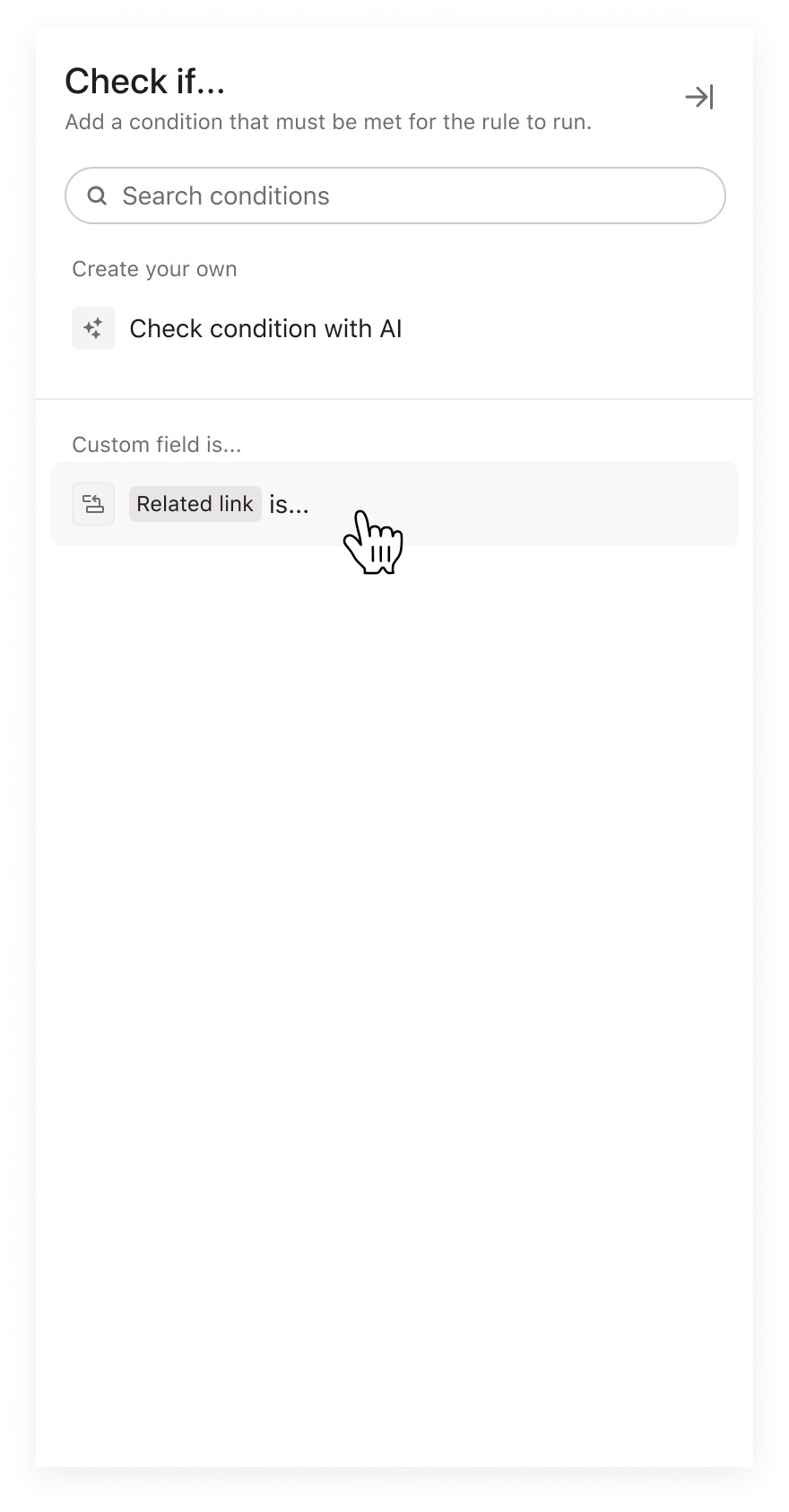
Triggers and conditions support
Reference custom fields now support triggers and conditions in automation rules.

3 Likes
Excellent–thanks!
It doesn’t sound like this is yet supported in your fast follows from yesterday, right? Is it maybe anticipated in another set of fast follows?
In the Advanced Search Support, make sure they capitalize the R in Reference 
Yeah I noticed that, too! Looks odd 
1 Like
Hey @Emily_Roman - Are there any plans to be able to dynamically fill in reference fields via a rule? It looks like right now, I need to select a specific project to reference. I would instead like to be able to just have the reference field fill in dynamically with the project that the rule is being triggered from.
2 Likes