Has anybody figured a work around on creating a template with subtasks due before parent due date?
Hi @Estee_Grier , in both project templates and in task templates, the due date of parent tasks and subtasks are independent of each other, so I’m not sure what is the issue you are facing.
In project templates, all dates are relative to the start date or end date of the project, depending on the due date rule setting:

And in a task template the dates are relative from when the task is created, so the parent task could be in 5 days but a subtask could be earlier, eg. in 3 days after task is created.
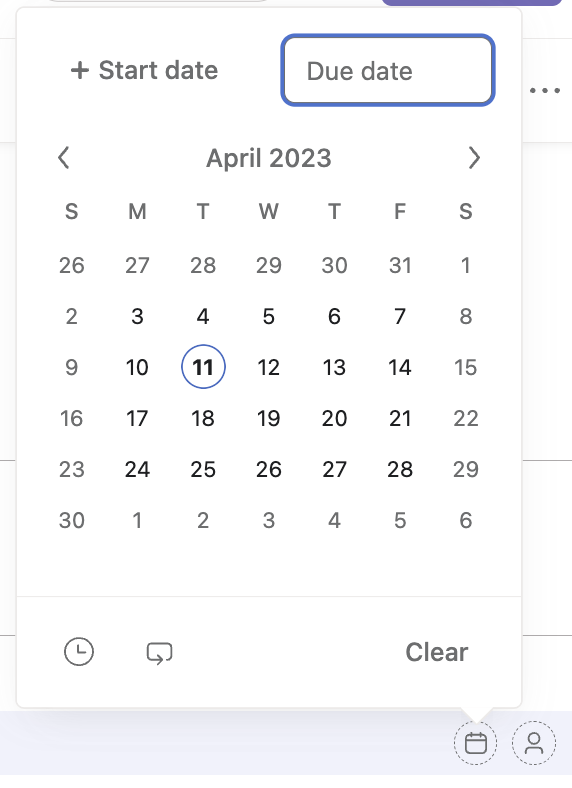
When I’m creating a task template with subtasks, it doesn’t give me the option to switch to the After Project Start Date.

1 Like
Hi @Estee_Grier , from what I can tell from your screenshot, you have simply selected to set the due date of a subtask of a task in a project - not in a project template or in a task template.
The screenshot I provided above was of a task within a project template.
If you want to create a task template, you need to be on at least the Premium/Starter plan and (as a Member, not a Guest) create one from the Customize menu (top right) > Task templates where you should see something like this:

You can read more about Task templates in the Asana guide here
I am working on similar problems, and I see in your first screenshot that you have a “due date rule” I am unable to see this option. What are the possible reasons I can’t, is this because I have the unpaid plan?
1 Like
I don’t see due date rule either. That would solve a lot of our issues.
Hi @Shaeffer_Smith & @tori7 ,
The due date rule can be found when you click into the Due date column within a Project Template editor, which is available on the paid plans.
If you are on the unpaid plan, you will see the below within any Team page, asking you to upgrade:
