Hi Asana Community!
Asana AI connectors are the bridge between your big ideas and the work that brings them to life.
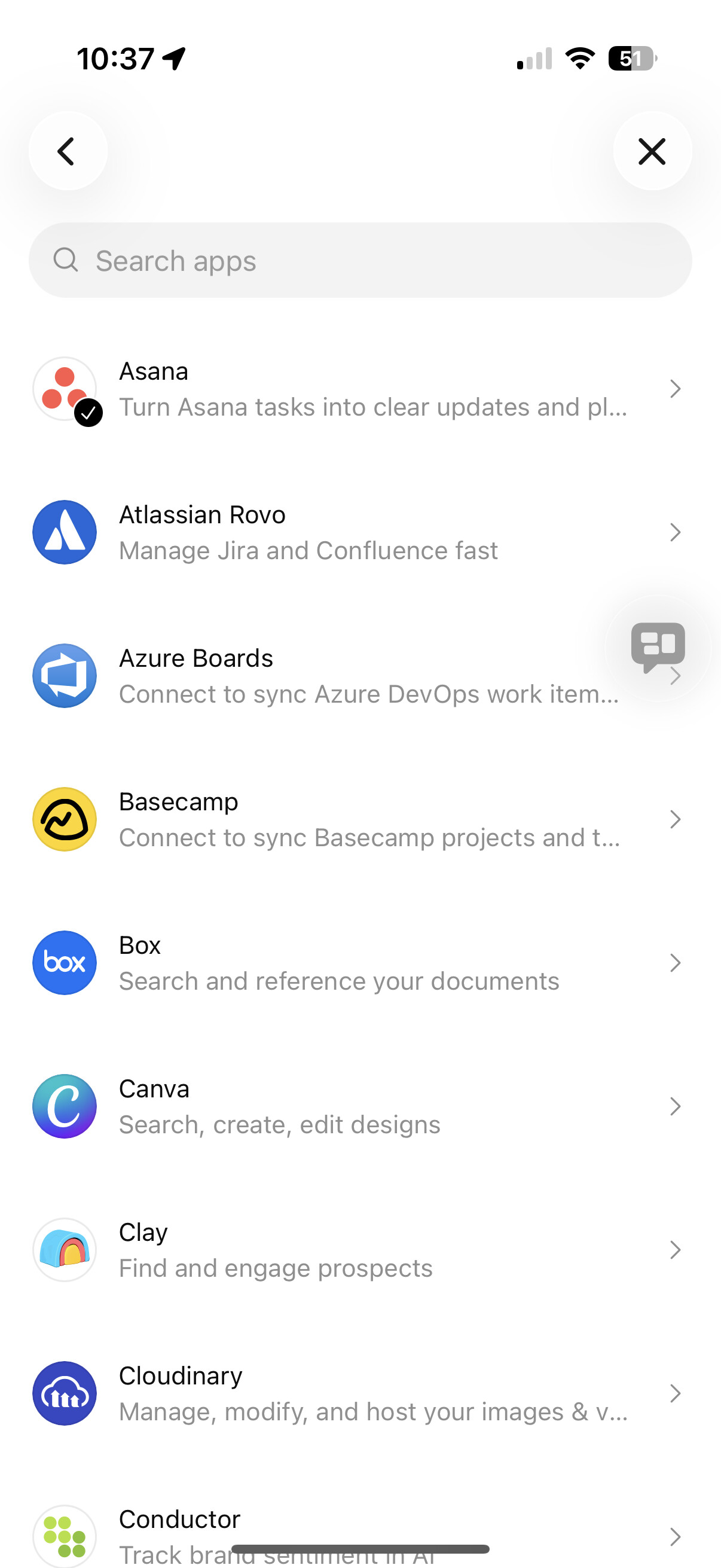
 We have an Asana Connector in ChatGPT available today, with an Asana for ChatGPT app coming soon. Asana also connects with go-to AI apps, like Copilot, Gemini, Claude, Quick Suite, and Le Chat.
What is the Asana Connector in ChatGPT?
Available today, the Asana Connector in ChatGPT allows you to work with your Asana tasks, subtasks, comments, due dates, and project details to create summaries, understand priorities, and prepare clear status updates
Use it for things like:
- “Tell me the current status of our launch project in Asana.”
- “Summarize all milestones due this week across our top programs and highlight any risks”
- “Show me all high-priority requests in our IT queue in Asana”
What is the Asana for ChatGPT app?
The Asana for ChatGPT app is coming soon and builds upon the functionality available today by providing Asana UI directly in the ChatGPT experience and allows you to take action in Asana, directly from ChatGPT. The images below highlight the Asana for ChatGPT app experience.
Use the app to create a task or an entire project based on your discussion with ChatGPT.
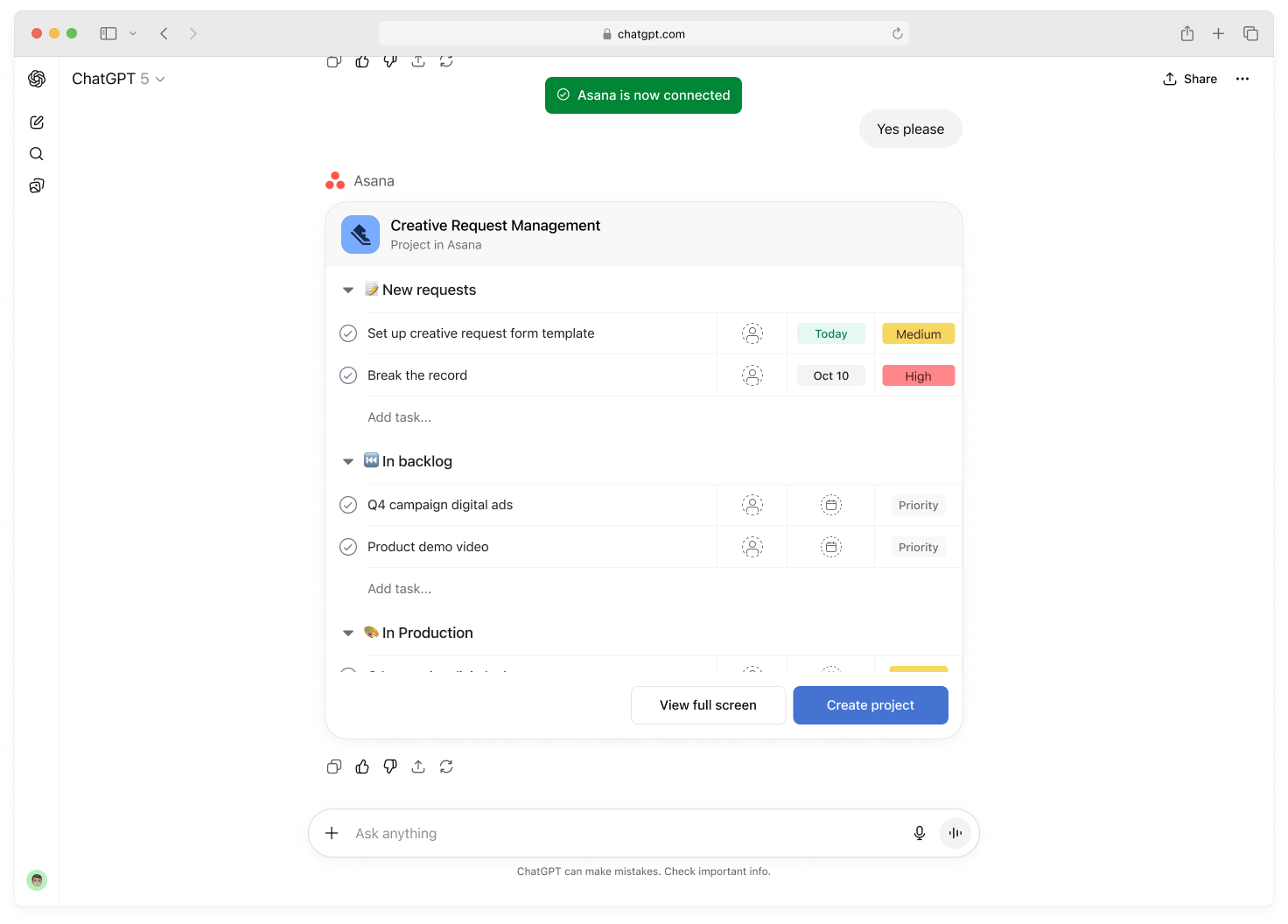
Edit the task name, assign tasks to team members, and modify due dates in ChatGPT.

You can monitor work progress by asking Asana and ChatGPT to summarize the status or identify blockers for a project and it will return a list of relevant tasks to drill down on.

How do I get started?
To learn more about the Asana Connector in ChatGPT and the Asana for ChatGPT app, visit the help center article.
What are the other AI connectors?
With Asana’s AI connectors, every team stays in their flow while turning conversations into structured, coordinated action. It’s a faster, clearer, more connected way for organizations to work, no matter which AI tools they use.
Learn about our AI Connectors:
- ChatGPT: Work with your Asana tasks, subtasks, comments, due dates, and project details to create summaries, understand priorities, and prepare clear status updates
- Claude: Access Asana’s Work Graph directly from Claude to search, create, update, and track tasks, projects, and goals, keeping work connected to real deliverables.
- Copilot: Index Asana tasks and projects in Microsoft 365 so users can search, retrieve, and reference Asana content directly in Microsoft Search and Copilot.
- Gemini: Take Asana actions directly in Gemini Apps and Google Workspace Studio so you can manage work and move projects forward without switching tools.
- Le Chat: Create and manage Asana content in Mistral AI’s Le Chat so anyone using Le Chat can spin up projects, tasks, and more without leaving their AI environment.
- Quick Suite: Connect Amazon Quick Suite to Asana to bring in rich context from thousands of supported applications directly into Asana’s AI workflows.