Scenario:
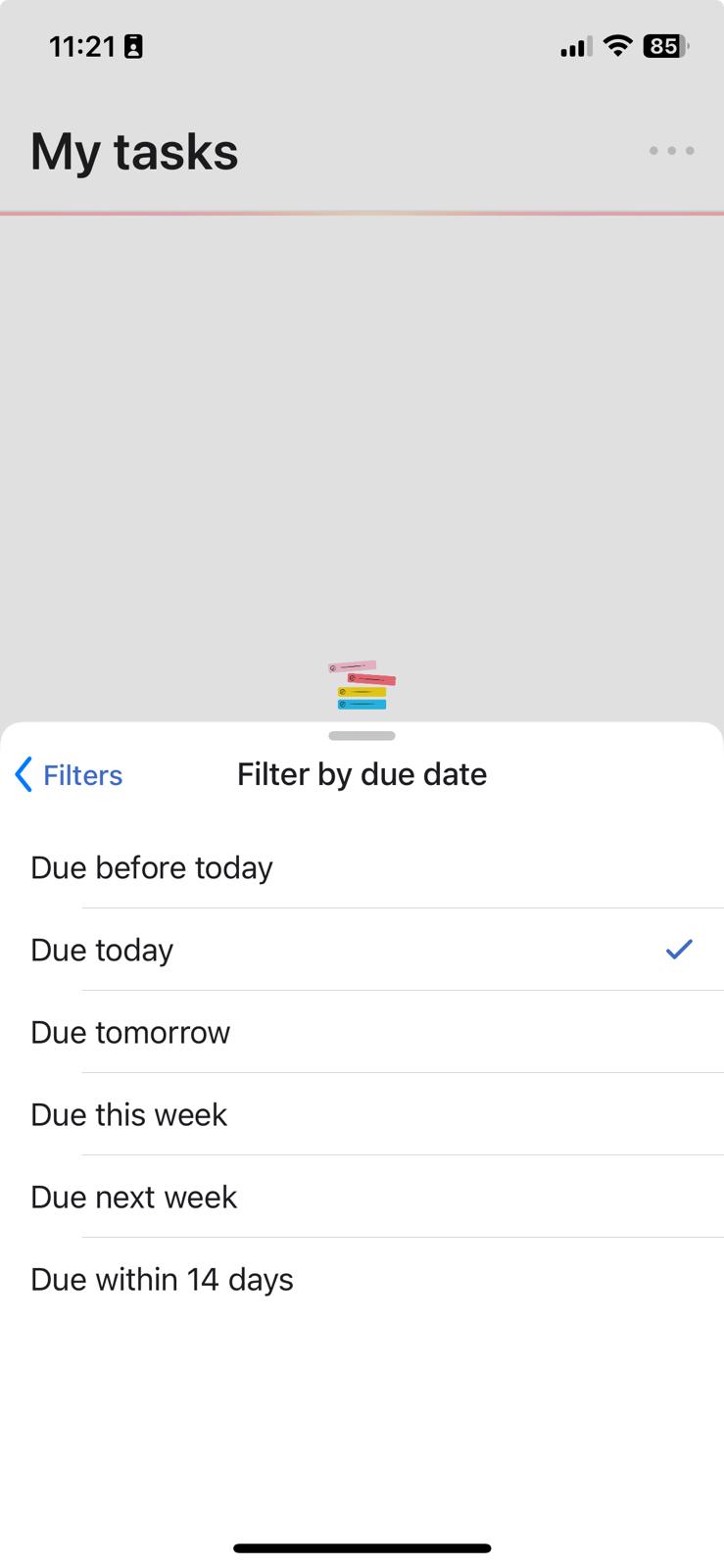
- In Mobile - Got to My Tasks
- Go to Manage View (where all the Filters, Group and Sort options)
- Click on “Filters” → Due Date
- Select “Due before today” and “Due today”
Expected: Both options should be selected
Actual: Only one can be selected
Motivation: I want all tasks that are due today and also past dues
2 Likes
New to this forum. Just noting I want this exact same thing. Even if you can’t select both, adding a new option for “due today or before” would be perfect, for being able to see tasks that need to be done asap.
Agreed, I wish I could do this! I use a filter to see things due today and overdue all the time on my laptop and would like the same view to be available on my phone.